
WhatsApp Integration
Overview
WAJ offers two related but distinct ways to work with WhatsApp: WhatsApp Business Chat, a live chat window built into WAJ so staff can message customers directly from the dashboard, and WhatsApp automations and broadcasts — template-based, scheduled, or triggered WhatsApp messages (see Marketing Automations and Broadcasts and Campaigns), whose behavior depends on how your business's WhatsApp is connected.
Where to find WhatsApp Business Chat
- Left sidebar (or the "More" menu on smaller screens) → Support → WhatsApp.
- This tab only appears in a web browser — it isn't shown on the mobile app.
- It only shows up if your business has WhatsApp chat activated for your account. If you don't see the tab, contact WAJ support to enable it.
Using WhatsApp Business Chat
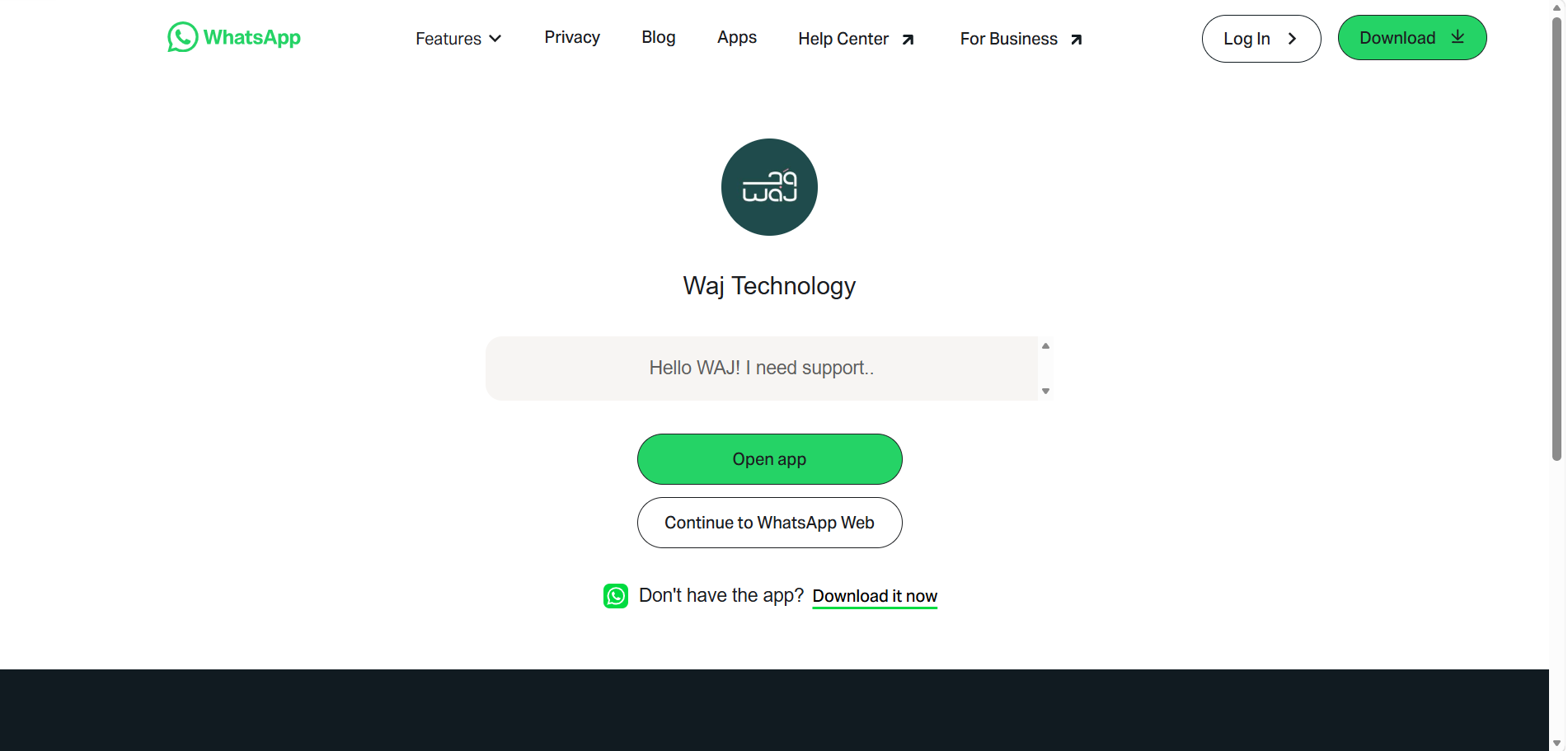
- Open Support → WhatsApp from the sidebar — the chat panel loads inside the page (this can take a few seconds the first time).
- Browse and reply to customer conversations just like a normal WhatsApp Business inbox.
- If your business has multiple branches with branch-level WhatsApp numbers enabled, switching the branch selector at the top of the app reloads the panel to show that branch's conversations.
- Your session refreshes automatically in the background, so you generally won't get logged out mid-use. If the panel ever looks blank, navigate away and back to reload it.
There's nothing to configure from the WhatsApp tab itself — it simply mirrors your connected WhatsApp Business number's conversations.
The 24-hour reply window
Once a customer messages you, you have 24 hours to reply with any free-form message. If more than 24 hours pass without a reply, you'll need to reach back out using a pre-approved message template — the same kind used for Automations and Broadcasts — rather than a plain text message.
How your connection type affects Marketing
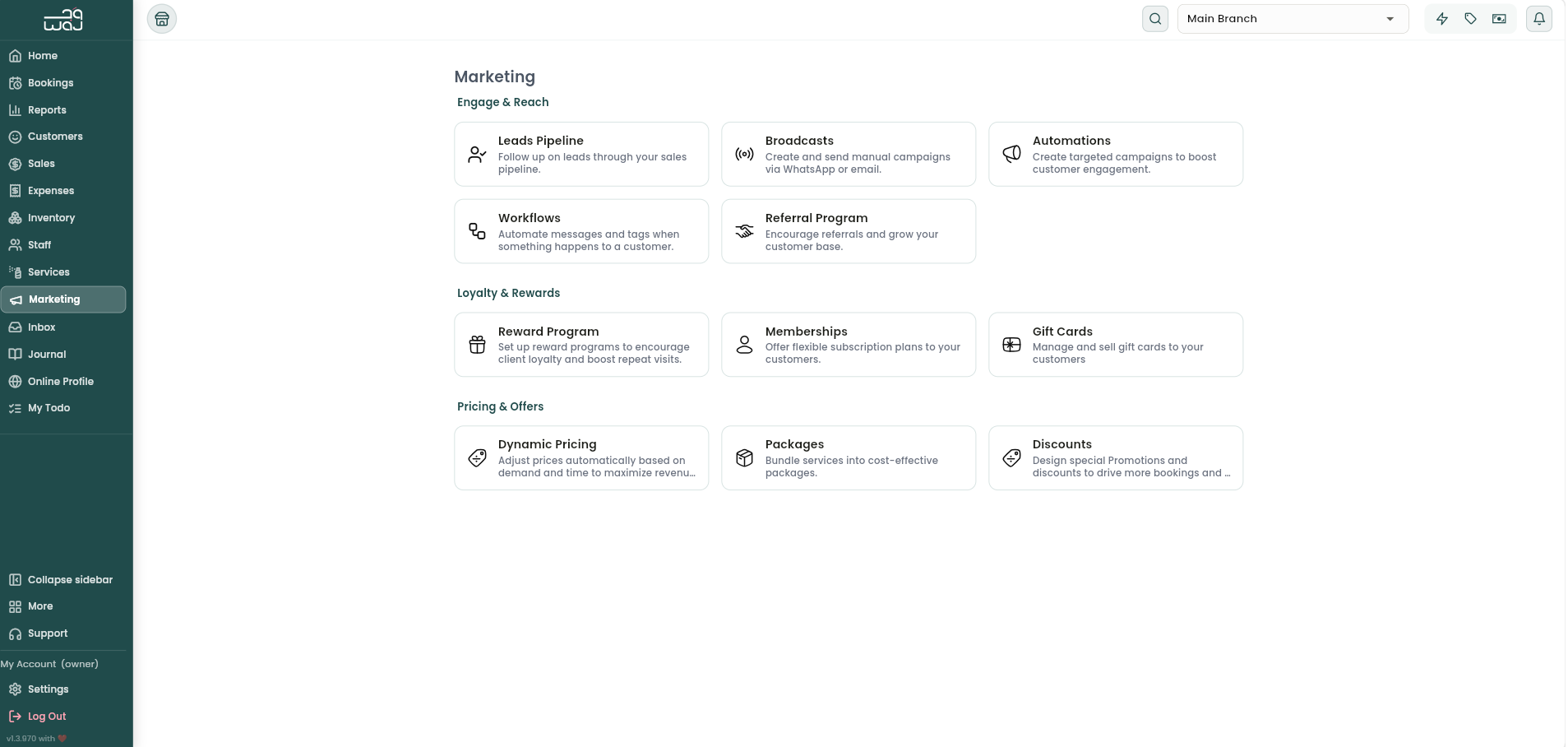
Which method your business uses to connect WhatsApp changes what's available under Marketing → Automations and Marketing → Broadcasts:
- If your WhatsApp runs through the embedded chat connection, automation messages are managed as simple free-form text, and Broadcasts may not be available (broadcasts require the official connection).
- If your business has connected the official WhatsApp Business API instead (from Business Profile settings), automations must use pre-approved templates, and Broadcasts becomes available.
Notes & limitations
- WhatsApp Business Chat is view/reply only — it doesn't offer campaign or automation controls; those live under Marketing.
- Switching connection types changes template requirements retroactively for automations and broadcasts, so confirm your connection before building campaigns.